
应用截图
详细介绍
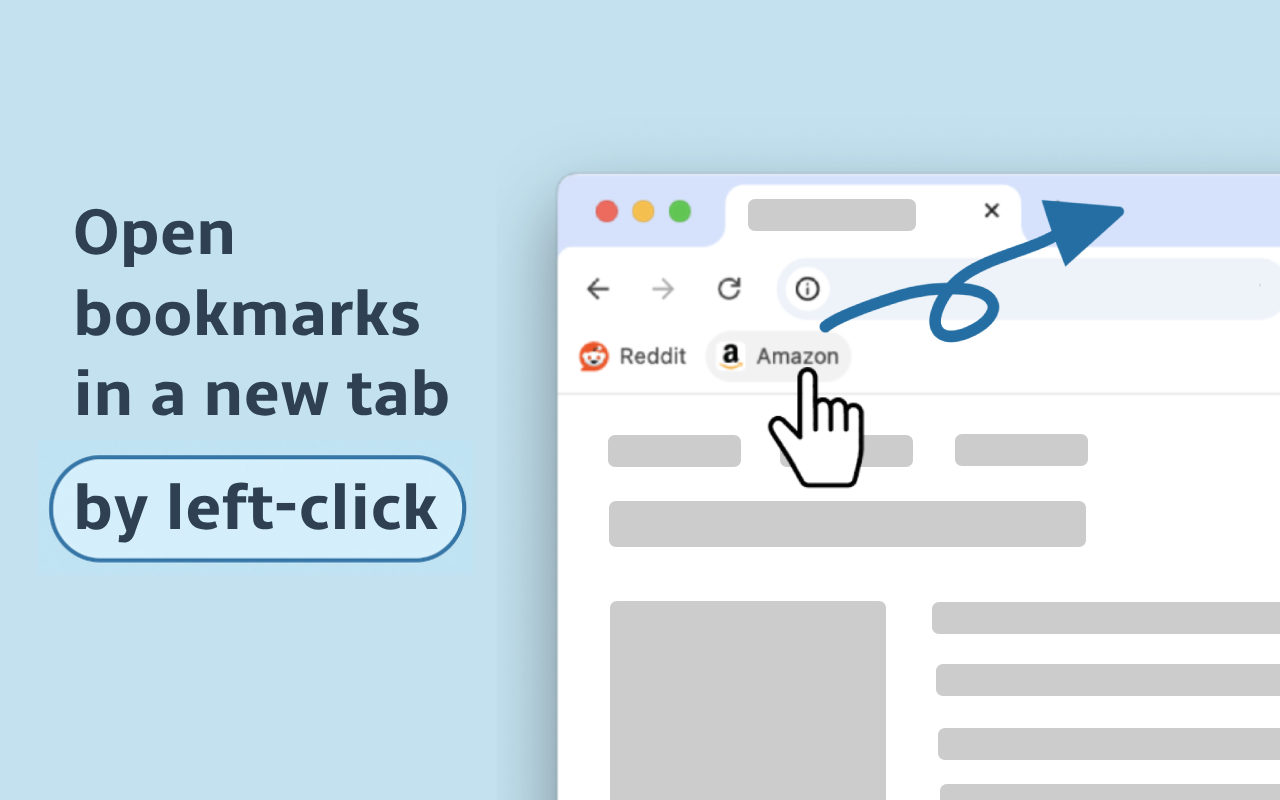
Make every bookmark open in a new tab — with just a left-click.
❤️ Once you try it, you’ll love how natural it feels ❤️
❗️👇 Please, read the full description below 👇❗️
Despite its apparent simplicity, the extension uses several technical tricks to work correctly.
👉 PLEASE NOTE: it will modify your bookmark URLs after installation — this is the only way to make bookmarks consistently open in a new tab. The following prefixes will be added:
- https://newtab@...
- https://newtab@bookmarks-evz.pages.dev/?url=... (some special URLs)
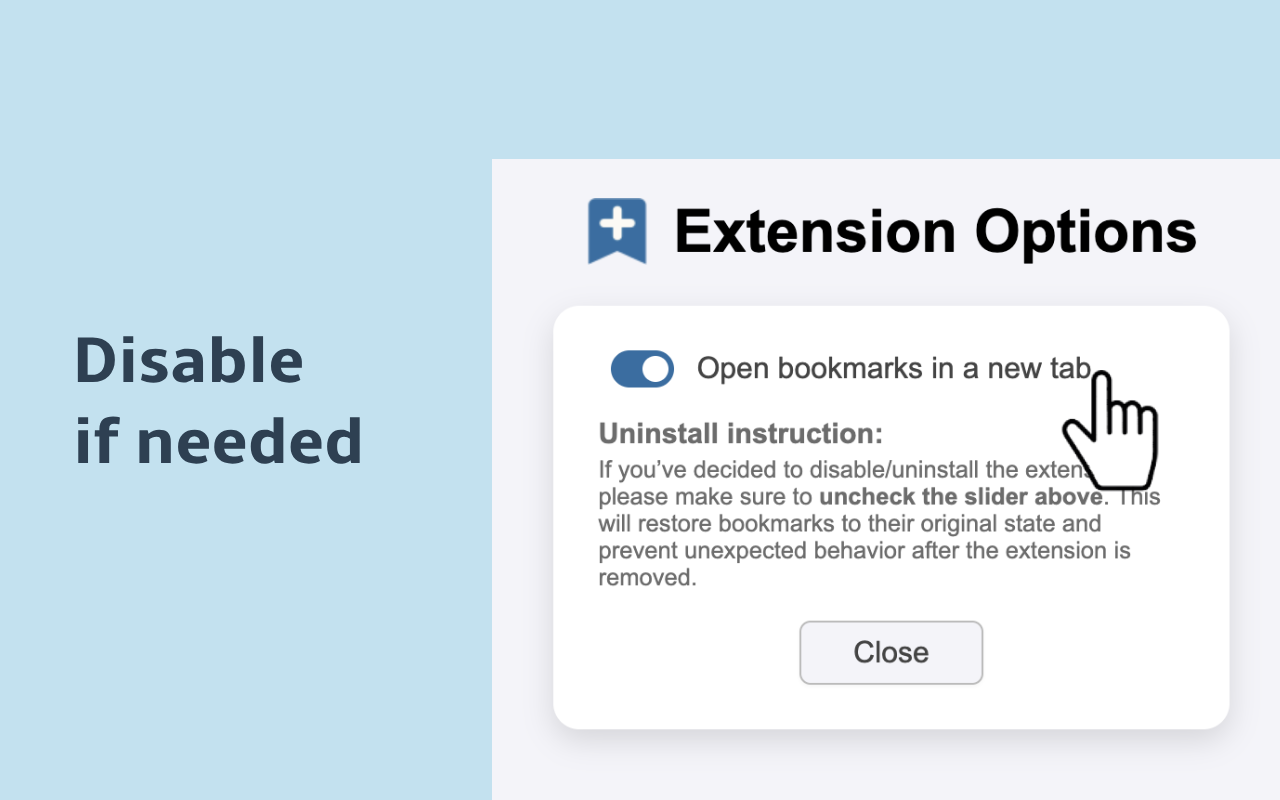
✅ You can always revert your bookmarks to their original URLs — just open the extension options and toggle the switch into OFF.
☝️ If you're using Firefox or Vivaldi, you don't need this extension — the feature is already built-in:
- Vivaldi: https://vivaldi.com/blog/tips/tip-303/
- Firefox: https://support.mozilla.org/eu/questions/1316474
Why isn’t it built into Chrome? 🤷♂️
ℹ️ Known Limitations
1. Some bookmarks may temporarily lose their icons. Once you click a bookmark, the icon will be restored.
2. Some websites may show a popup: "Leave site?" [Cancel] [Leave]
Despite the message, you can click [Leave] — your page will be preserved and the bookmark will open in a new tab.
🗑️ Uninstall Instructions
If you’ve decided to uninstall the extension:
1. Open the extension settings
2. Toggle the switch to the OFF position
This will restore your bookmarks to their original state and prevent any unexpected behavior after extension removal.
🔧 Technical details
Learn how the extension works behind the scenes:
https://dev.to/vitalets/open-bookmarks-in-a-new-tab-by-default-easier-said-than-done-a3n
❓ Need help?
If a bookmark doesn’t open in a new tab, or if you encounter any other issues, feel free to report them using the "Visit support hub" button below — or email me at: potapov.vitaliy@gmail.com.
Thank you for the feedback — it really helps us catch all the edge cases!
❤️ Once you try it, you’ll love how natural it feels ❤️
❗️👇 Please, read the full description below 👇❗️
Despite its apparent simplicity, the extension uses several technical tricks to work correctly.
👉 PLEASE NOTE: it will modify your bookmark URLs after installation — this is the only way to make bookmarks consistently open in a new tab. The following prefixes will be added:
- https://newtab@...
- https://newtab@bookmarks-evz.pages.dev/?url=... (some special URLs)
✅ You can always revert your bookmarks to their original URLs — just open the extension options and toggle the switch into OFF.
☝️ If you're using Firefox or Vivaldi, you don't need this extension — the feature is already built-in:
- Vivaldi: https://vivaldi.com/blog/tips/tip-303/
- Firefox: https://support.mozilla.org/eu/questions/1316474
Why isn’t it built into Chrome? 🤷♂️
ℹ️ Known Limitations
1. Some bookmarks may temporarily lose their icons. Once you click a bookmark, the icon will be restored.
2. Some websites may show a popup: "Leave site?" [Cancel] [Leave]
Despite the message, you can click [Leave] — your page will be preserved and the bookmark will open in a new tab.
🗑️ Uninstall Instructions
If you’ve decided to uninstall the extension:
1. Open the extension settings
2. Toggle the switch to the OFF position
This will restore your bookmarks to their original state and prevent any unexpected behavior after extension removal.
🔧 Technical details
Learn how the extension works behind the scenes:
https://dev.to/vitalets/open-bookmarks-in-a-new-tab-by-default-easier-said-than-done-a3n
❓ Need help?
If a bookmark doesn’t open in a new tab, or if you encounter any other issues, feel free to report them using the "Visit support hub" button below — or email me at: potapov.vitaliy@gmail.com.
Thank you for the feedback — it really helps us catch all the edge cases!