应用截图
详细介绍
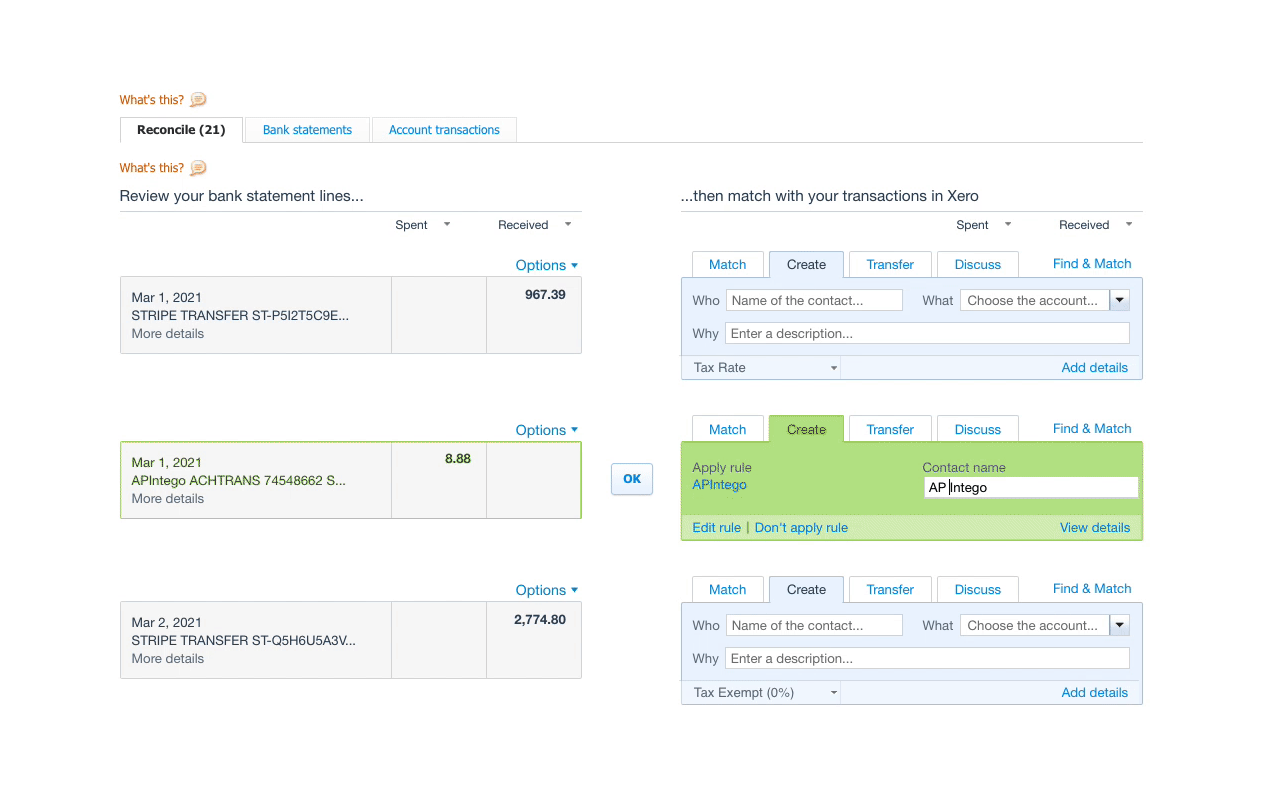
The missing shortcut key for reconciling bank accounts in Xero. Select your contact and account, hit Ctrl/Cmd-Enter. Done.
Xero's frontend engineers still haven't added this super-useful feature, so I've done it for them.
Reconcile all of your bank account transactions without reaching for your mouse.
Now you can.
1. Tab through statement fields
2. Select your contact & account
3. Hit Ctrl/Cmd-Enter
4. Done
Xero's frontend engineers still haven't added this super-useful feature, so I've done it for them.
Reconcile all of your bank account transactions without reaching for your mouse.
Now you can.
1. Tab through statement fields
2. Select your contact & account
3. Hit Ctrl/Cmd-Enter
4. Done